
 Jesse Hitt • 18 Nov 2025 • 8 min read
5 Must-Have Features in Modern HOA Software
Key Takeaways
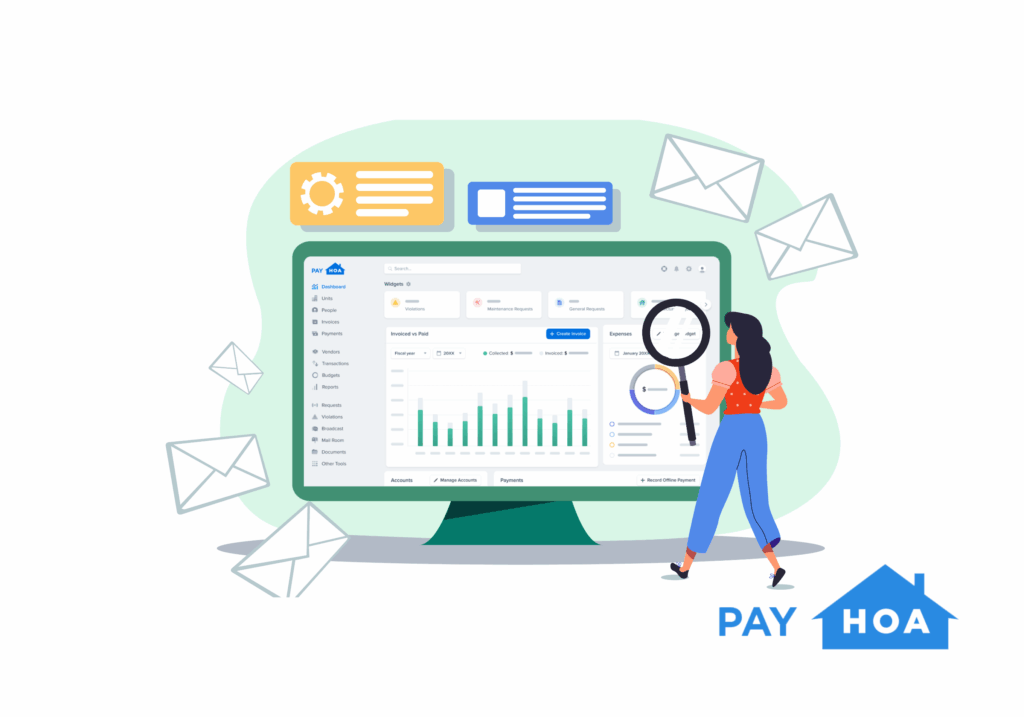
- Modern HOA management software gives volunteer boards the structure and automation they need to manage finances, communication, and records efficiently.
- Strong financial tools, communication infrastructure, and an integrated HOA website transform messy manual work into streamlined operations.
- Secure voting, cloud storage, and association-specific accounting protect data, preserve continuity, and simplify decision-making.

PayHOA functions as a digital property management company, combining these features into one accessible platform for boards of all sizes.
Introduction: Why HOA Software Matters in 2025
Running a community without modern tools feels like managing a data center with a flip phone. Spreadsheets and shared folders might work for a while, but they cannot scale as responsibilities grow or resident expectations rise.
The solution starts with HOA Software designed for community associations. General business apps such as QuickBooks, Wave, and Zoho Books can help, but they rely on volunteers to connect the dots manually. True HOA management software automates the process, creating consistency and clarity.
Here are our top five must-have features for 2025 and beyond. These are not extras or optional upgrades. They are the essential components of a community that runs smoothly and transparently.

1. Financial and Accounting Tools Built for Associations
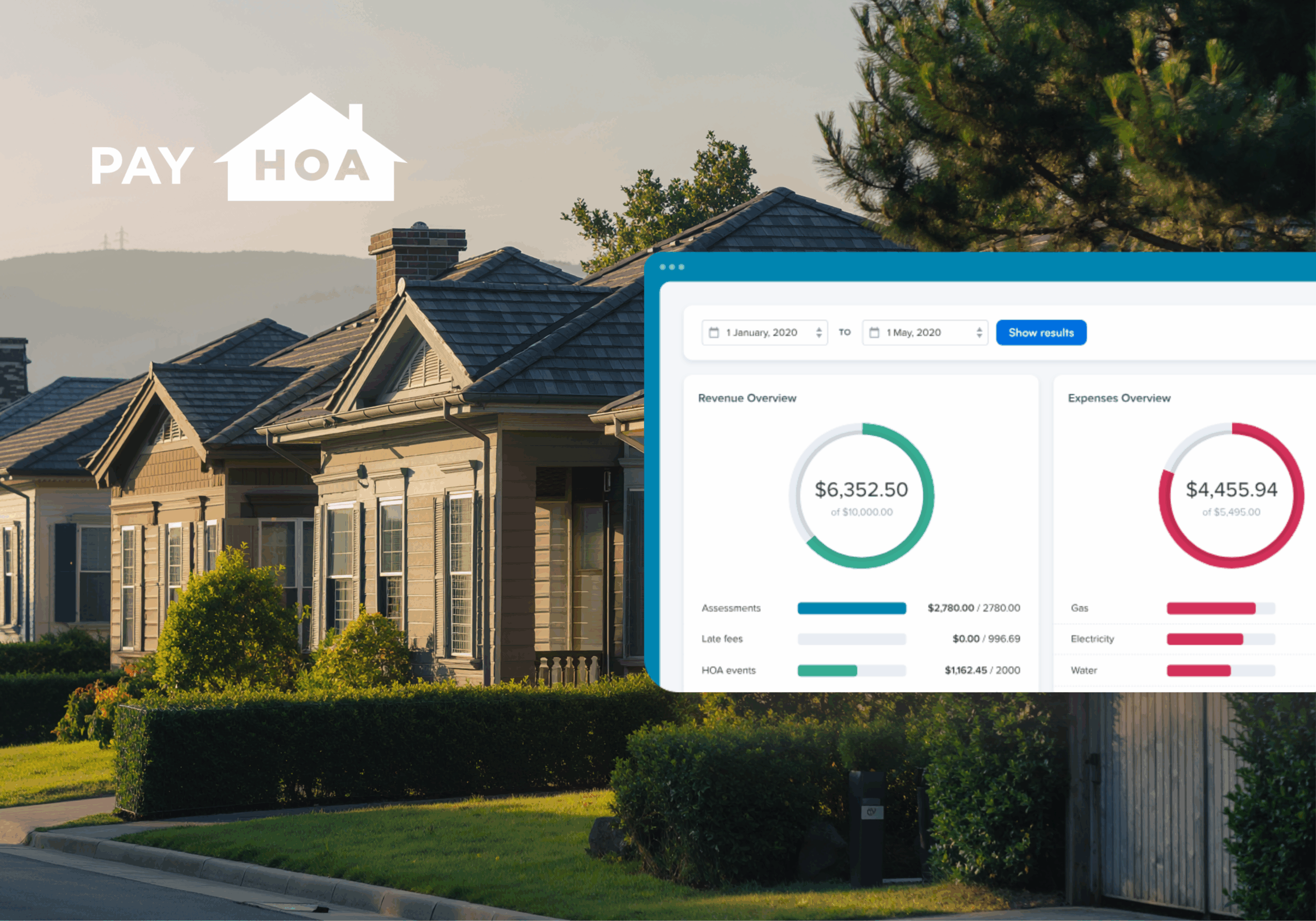
Finances are the most visible measure of a board’s competence. When dues go uncollected or reports lack detail, confidence erodes quickly. Association-specific accounting tools prevent those issues before they begin.
Your HOA management software should include:
- Invoicing, Payments, and Dues Collection: Recurring invoices, autopay, and online payment options such as ACH or credit card should be standard. Automated late fees and reminders save volunteers hours of follow-up.
- General Ledger and Chart of Accounts: Association accounting is unique. Each transaction should tag to categories like reserves, capital projects, or operating expenses.
- Budgeting and Reporting: Clean balance sheets and profit-and-loss reports, exportable in PDF or CSV, make meetings more efficient and audits less stressful.
- Payables and Vendor Management: Boards should be able to authorize payments, store contracts, and track vendor history in one place.
These capabilities give your treasurer confidence and allow residents to see how dues are used.
Communications Infrastructure That Builds Trust
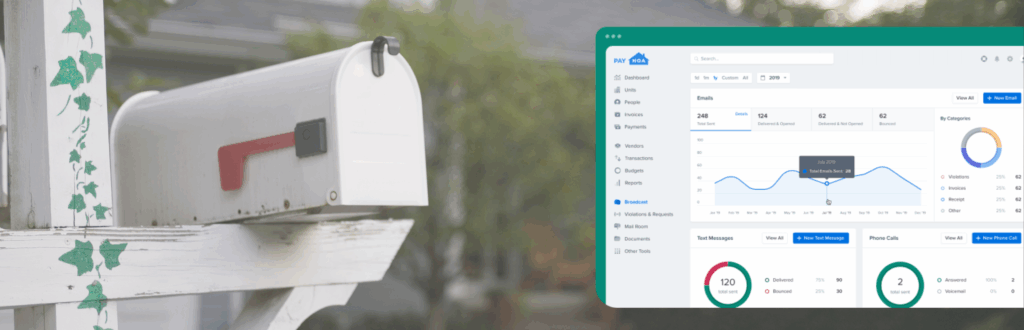
Communication defines perception. Even when operations are organized, poor communication can make residents think otherwise. That is why every community platform needs a built-in system for consistent outreach.
The ideal setup allows bulk messaging via email, text, and app notifications, with delivery tracking and read receipts. Each message should connect to the resident’s record, ensuring there is no doubt that the notice was received. Templates for recurring messages, like dues reminders, rule enforcement, or event invitations, make outreach faster and more consistent.
Segmented communication is equally valuable. You should be able to reach only the residents affected by a plumbing repair, or only the owners eligible to vote. This precision prevents confusion and reduces message fatigue.
Consistent communication is also central to effective community association management. It reinforces that leadership is organized and transparent, both of which reduce tension between residents and the board.
HOA Website Builder That Works as a Central Hub
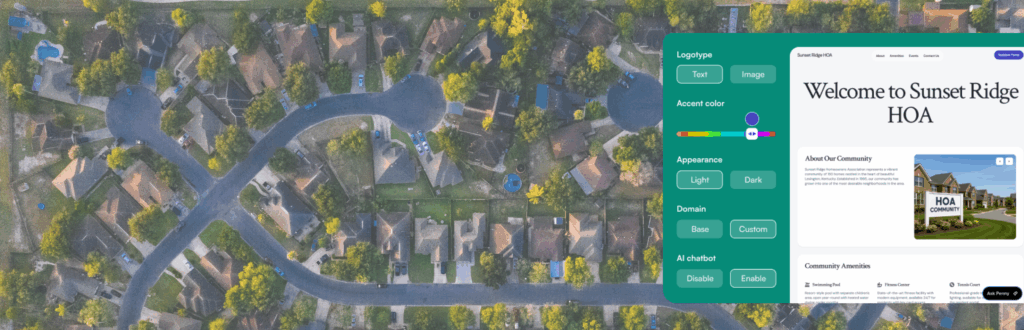
Your HOA website should be more than an online noticeboard. It is the foundation of your community’s digital experience. When built properly, it removes dozens of small administrative tasks from your volunteers’ plates while giving residents a single reliable place to get answers and take action.
A quality platform includes a drag-and-drop builder, with no extra hosting fees. Residents can log in to pay dues, submit maintenance requests, view meeting minutes, and access governing documents. Public and private content settings keep sensitive information protected while keeping general details accessible.
Other must-have elements include mobile responsiveness, SSL security, and ADA compliance. A domain-mapping feature adds credibility and helps residents remember where to find resources.
This is also where an AI Chatbot like Penny can make the website feel less like a static page and more like a helpful front desk. With Penny on your site, residents can ask common questions in plain language, be guided to the right page or document, and reduce the repeat-email loop that drains volunteer time. For a product overview, see “Introducing PayHOA Website Builder.” For implementation help, Setting up Penny walks through the setup, and Managing AI Conversations shows how to review and respond to chats so the board stays in control of resident communication.
Other must-have elements include mobile responsiveness, SSL security, and ADA compliance. A domain-mapping feature adds credibility and helps residents remember where to find resources. The biggest advantage is efficiency: publish a document once, and it shows up where it belongs, while Penny helps route questions before they become another inbox fire drill.
Voting and Surveys Residents Can Rely On
Community decisions carry weight, so the voting process must be secure, traceable, and easy to use. The best HOA management software offers digital voting built directly into the platform.
Each household should have one authenticated vote, with real-time quorum tracking and automated reminders for those who have not yet participated. When voting closes, the software should produce exportable summaries and a permanent audit trail. These records are invaluable when questions arise about results or eligibility.
Surveys are another essential tool. Anonymous feedback allows residents to share input without confrontation. For example, before revising parking rules or considering new amenities, the board can survey homeowners to measure interest. This encourages collaboration and helps the board act with greater confidence.
External resources, such as the Community Associations Institute, outline industry standards for fair and transparent voting. Platforms that follow those guidelines strengthen legitimacy and reduce potential conflict.
Security and Cloud Storage That Protect Community Data
HOAs hold sensitive information about residents and finances, so data protection must be a top priority. Your software should safeguard that data with enterprise-grade encryption and clear access controls.
Two-factor authentication for board and manager accounts adds another layer of protection. Automated daily backups with restore points ensure that even accidental deletions or system failures do not result in permanent data loss.
Look for industry certifications, such as SOC 2 compliance, which confirm that a provider follows rigorous security standards. Resources from the National Institute of Standards and Technology explain why frameworks like these matter for any organization handling sensitive data.
Unlimited cloud storage helps your community maintain complete records without clutter. Contracts, invoices, meeting notes, and archived documents all stay accessible. Permission settings should allow resident-level, board-only, and manager-only views so each group sees only what they need.
These capabilities protect the association’s history and create stability even when leadership changes.

How to Evaluate HOA Management Software Providers
Knowing the right features is only half the task. The next step is identifying whether a provider delivers them in a way that fits your community.
When comparing options, ask:
- Does the software feel designed for associations or adapted from business accounting tools?
- Are modules—finances, communication, website, voting, storage—connected within one system, or spread across multiple logins?
- Is support included for volunteer boards, or does the platform assume users possess a high level of technical proficiency?
- Can the provider demonstrate how the HOA website integrates directly with communication and payment tools?
The answers to these questions reveal whether a platform will genuinely reduce your workload or simply replace one set of manual processes with another. For guidance on operational strategy, resources like the IRS guidance on tax-exempt organizations can help boards understand the administrative and reporting responsibilities that software can simplify.
Final Thoughts: See Modern HOA Software in Action
The difference between a chaotic volunteer board and a confident, organized one often lies in the strength of its tools. When finances, communication, the HOA website, voting, and recordkeeping operate on a single platform, a small board can function with the precision of a professional team.
PayHOA serves as a digital property management company that provides these core features in a single, cohesive system. It was designed to help volunteer boards spend less time troubleshooting and more time leading.
To see how the right platform can streamline your operations, try a free 30-day trial of PayHOA. You will learn what a complete HOA management software system should look like and how it can make every part of community life simpler, more transparent, and more collaborative.
Share this article:
Enjoyed this Article? Try Another!
Understanding HOA Financial Reports
Key Takeaways: Why Financial Reports Are the Invisible Backbone of Your Community If you’ve ever…

7 Critical HOA Bookkeeping Mistakes Volunteers Make
Key Takeaways The High Stakes of Volunteer Accounting You didn’t volunteer to become an accountant….

What’s the Difference Between HOA Management and Condo Management?
Key Takeaways: Introduction You’re shopping for condo management software because you’re tired of juggling spreadsheets,…